Can MindView work offline?
Yes, MindView can work offline, however some features won’t be available.
To successfully work offline, you must ensure your login credentials are saved by MindView; otherwise, MindView will revert to viewer mode if no internet connection is detected.
You can work offline for up to 30 days before the software requires you to log in again.
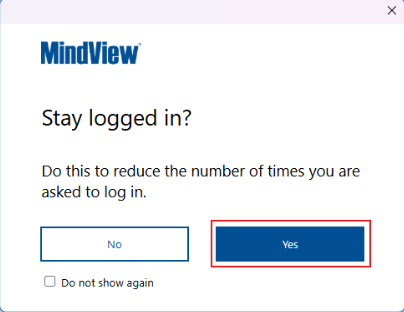
To save your login credentials, when prompted to log in, select the option “Yes” when asked, “Stay logged in ?”
The features that are disabled in offline mode are the following:
• MindView Online
• MindView Drive
• Task System
• MindView Assist (Research/Task application)
• AI
• Online Speech to Text (Microsoft Azure Cognitive speech services)
• Online Text to Speech (Microsoft Azure Cognitive speech services)
• Predictive Suggestions